





Control your wireless networks
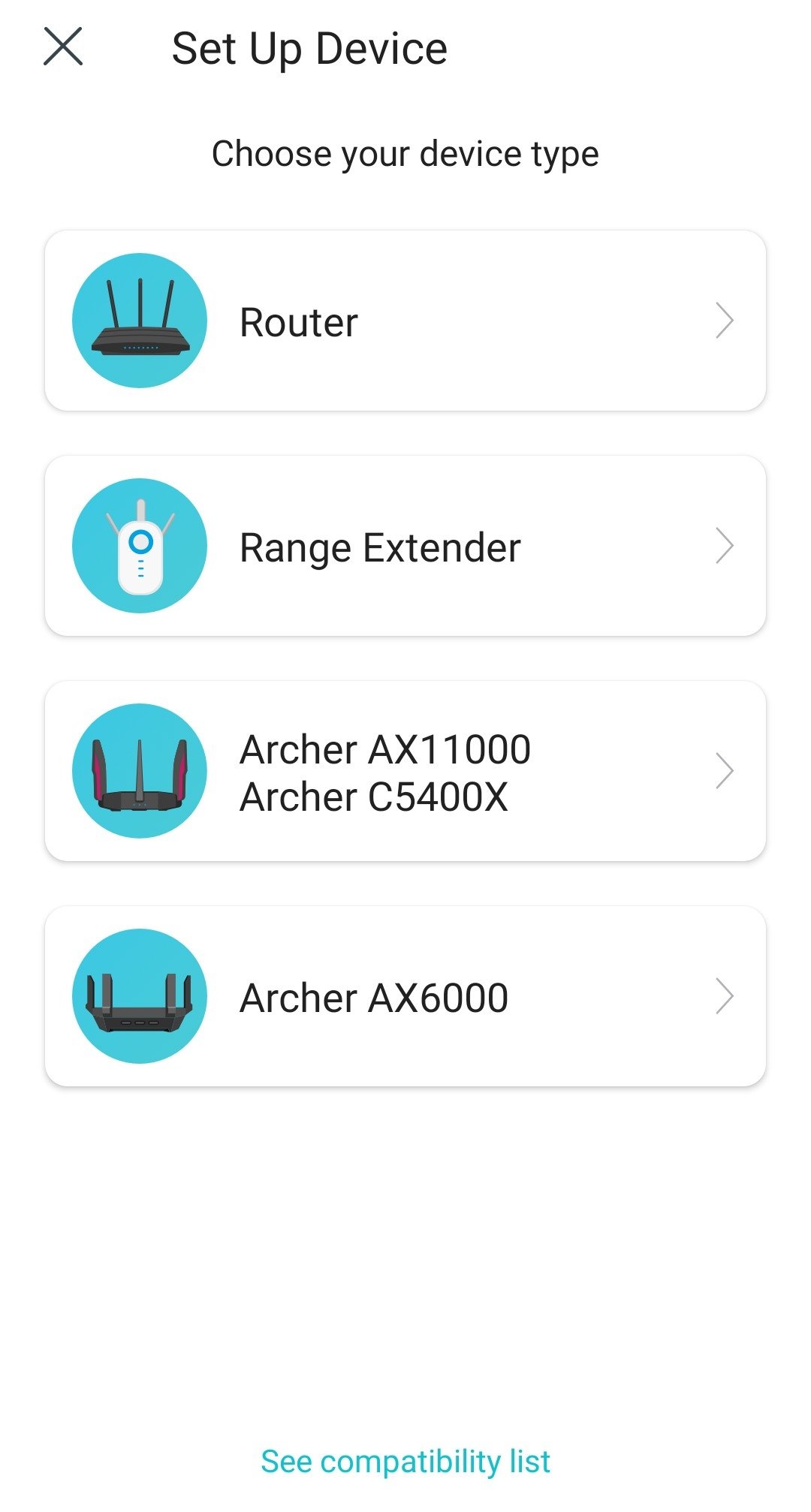
If you need to effectively configure your router, modem, or wifi signal extender at home or at work, you can use an application like TP-Link Tether, which provides quick device setup, parental controls, and more.
Take control of your Internet connection
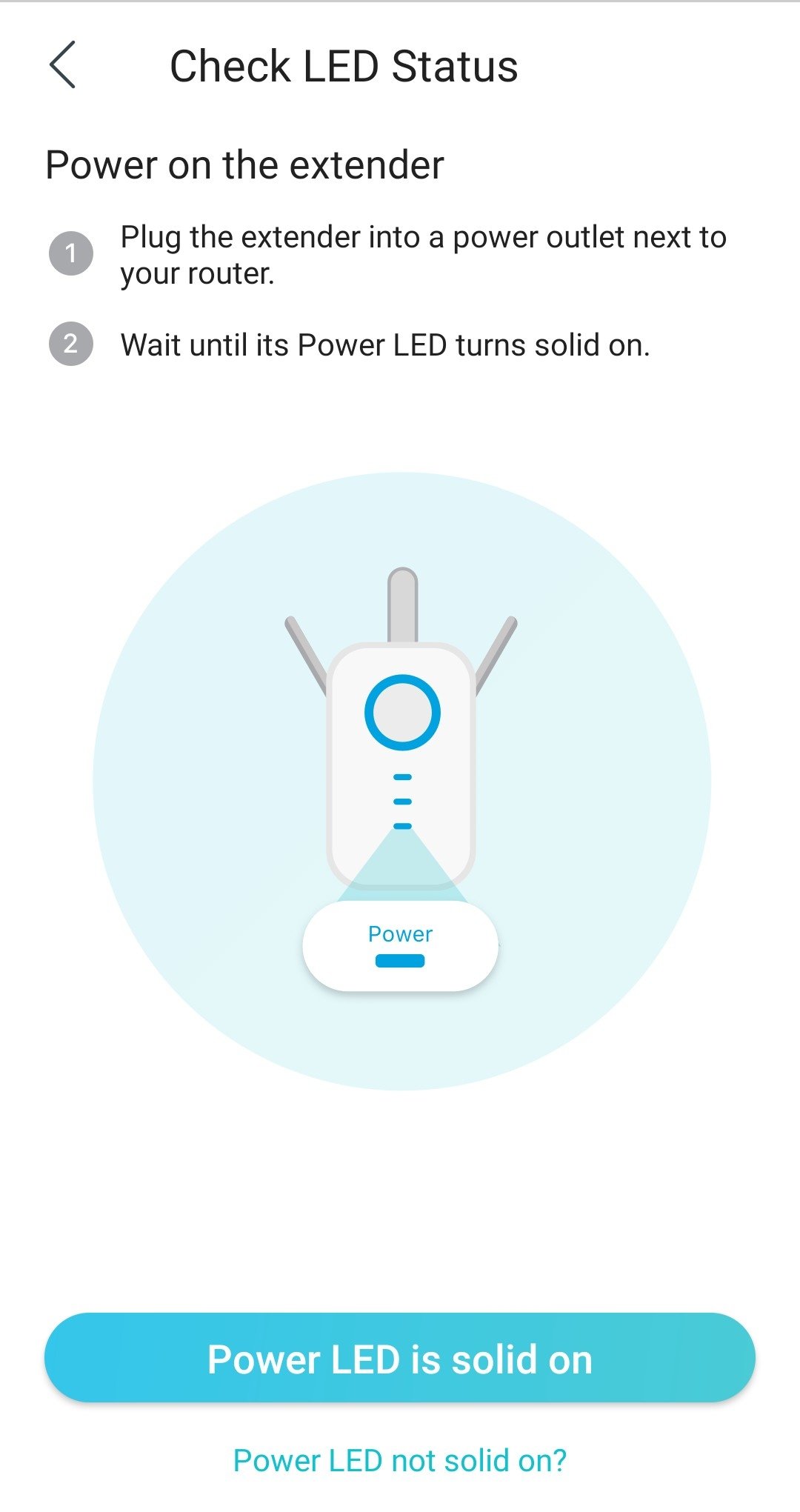
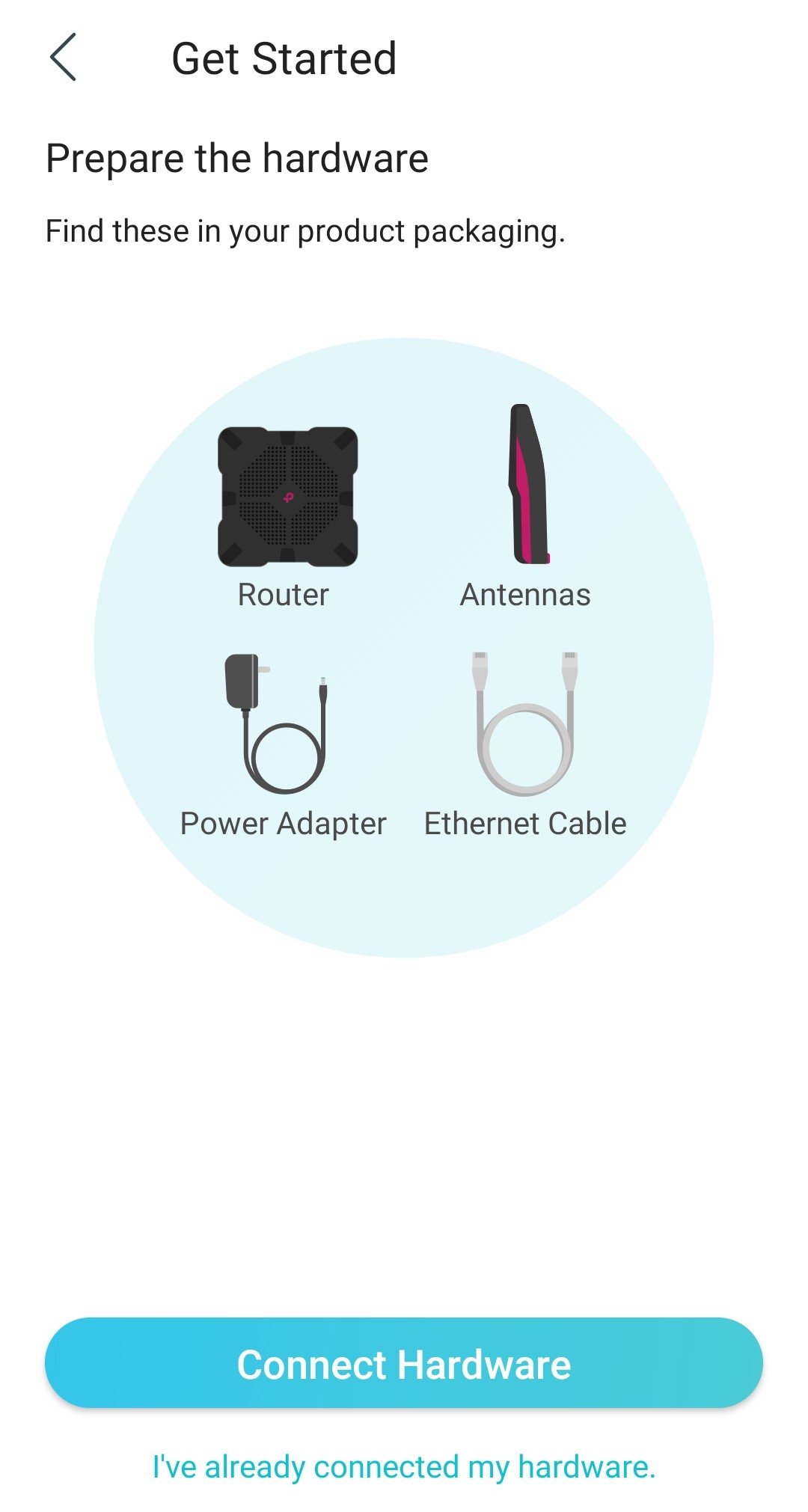
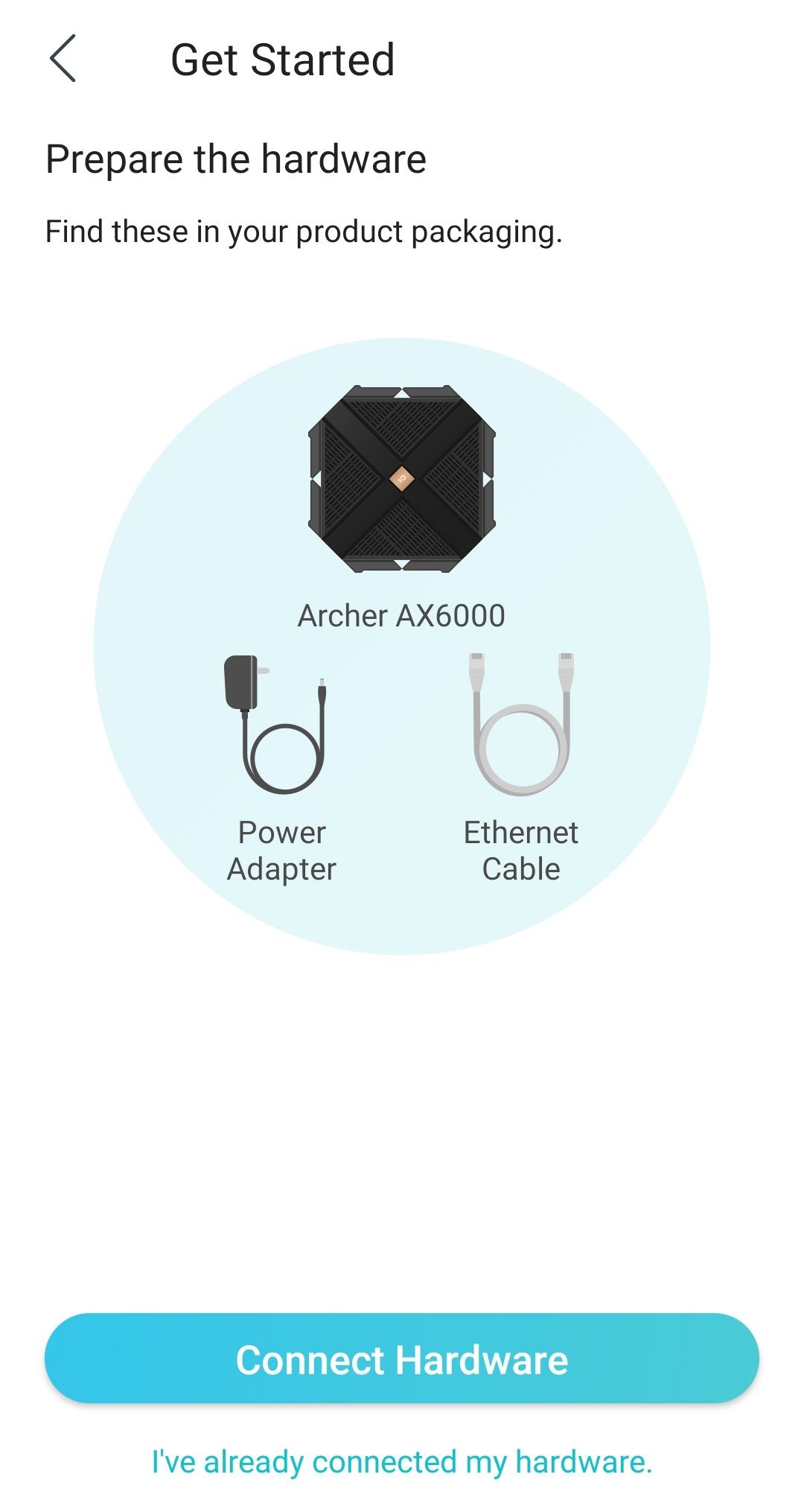
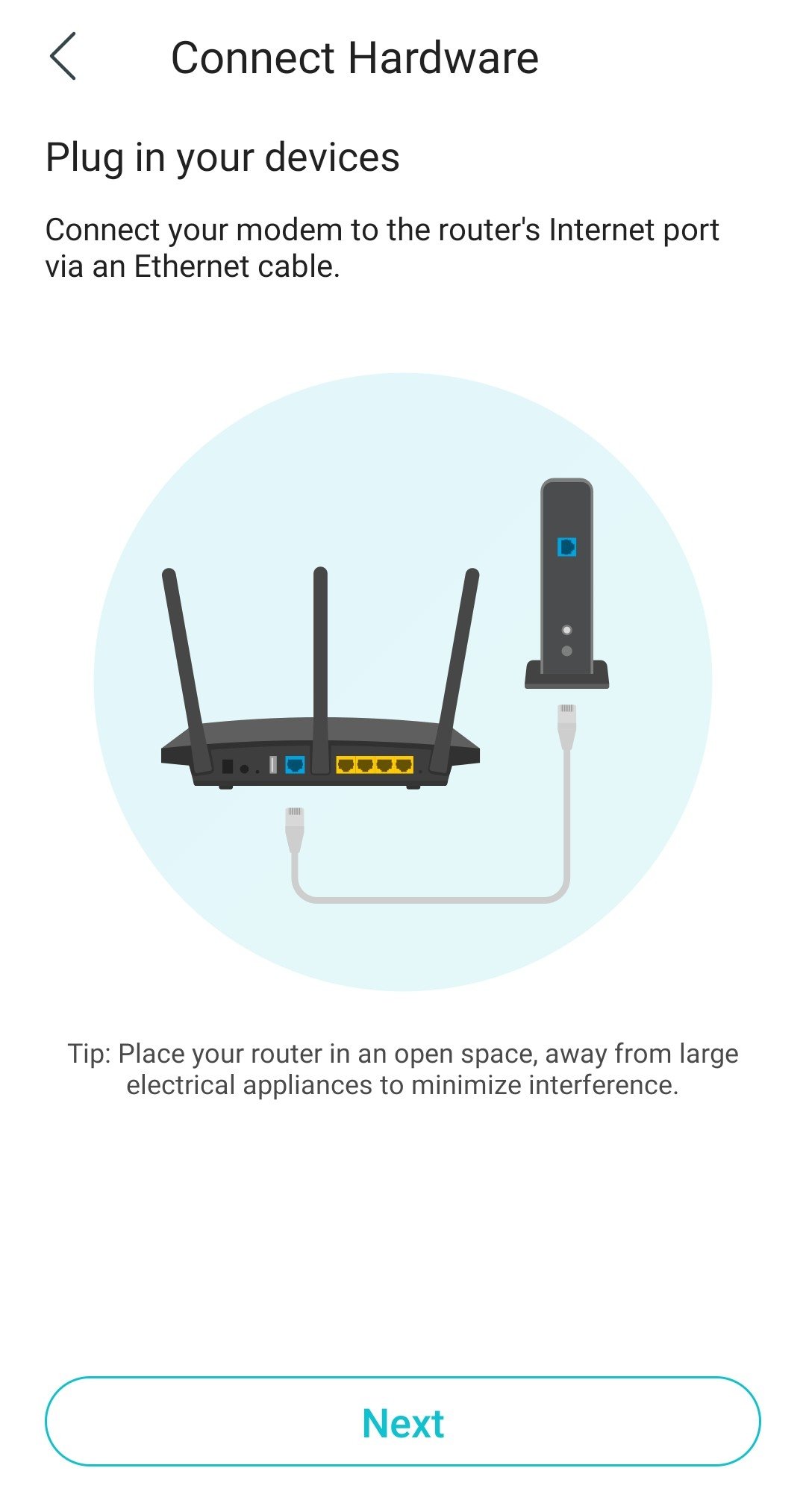
The application presents a simple user interface that lets you immediately see the status of the device and those connected, as well as the privileges they have. It has an uncomplicated step-by-step guided configuration process.
These are the main functions and features it has to offer:
- SSID, password, and VDSL/ADSL settings.
- Real-time information about wifi.
- Monitor connected devices.
- Share wifi passwords with other users.
- Block unauthorized users.
- Permission management for each connected device.
- Parental control function with URL-based programming and management of Internet access.
- Search for the best location to receive the wireless signal.
- Compatible with many brands and models.
Requirements and additional information:
- Minimum operating system requirements: Android 7.0.
- Offers in-app purchases.
- Instructions to install XAPKs on Android
 Elies Guzmán
With a degree in History, and later, in Documentation, I have over a decade of experience testing and writing about apps: reviews, guides, articles, news, tricks, and more. They have been countless, especially on Android, an operating system...

Susana Arjona